

Software issues can slow down your work just as much as hardware problems. From converting files to recovering lost documents, this guide explains the most common software-related problems and shows you how to fix them efficiently.
Why Software Problems Are So Common
Most software issues happen because of:
- Incompatible file formats
- Unsaved or corrupted files
- Outdated software versions
- Incorrect settings
- Accidental deletion
The good news is that many of these problems can be fixed without technical expertise.
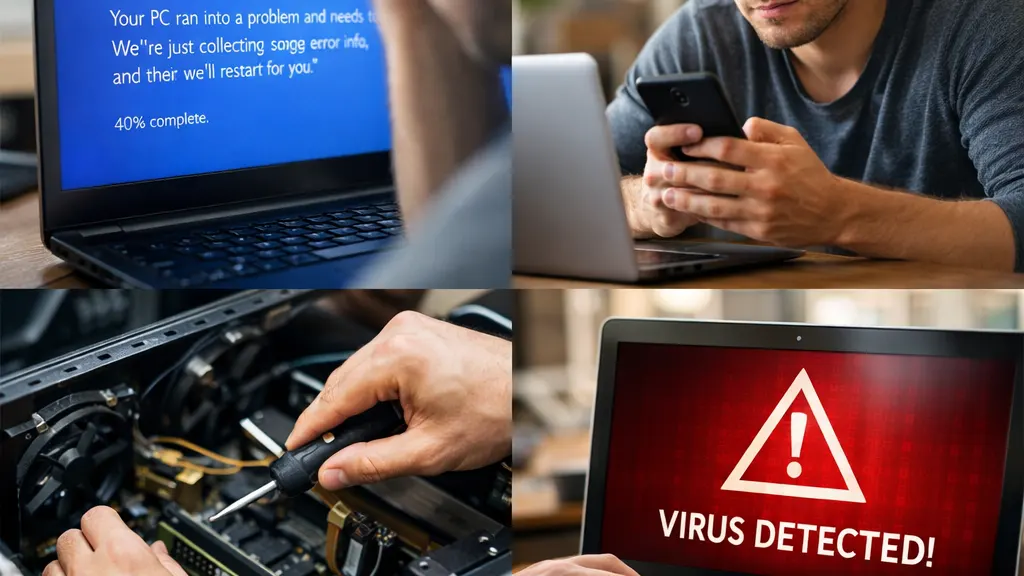
Common Software Problems You Can Fix Yourself
File Conversion Issues
Converting files between formats often causes layout problems, missing fonts, or quality loss if the wrong tools are used.
How to Recover Unsaved Word Documents on Windows
File Size and Compression Problems
Large files make sharing and storage difficult, especially for videos and images.
How to Compress Video Without Losing Quality
Image Editing and Background Removal
Simple image edits can take too much time without the right tools.
How to Remove Background from Images for Free
External Storage and USB Issues
Files stored on USB drives or external disks are vulnerable to accidental deletion.
Basic Software Troubleshooting Checklist
Before installing new tools or reinstalling software, check:
- The software version is up to date
- The file format is supported
- You have enough storage space
- Temporary files are cleared
- The software was closed properly last time
These steps alone solve a large percentage of common issues.
Free vs Paid Software: What You Should Know
Free tools work well for basic tasks, but paid software may be necessary when:
- Working with large files
- Needing batch processing
- Recovering critical data
- Maintaining formatting accuracy
Always test free options first before upgrading.

Frequently Asked Questions
Why do files get corrupted?
File corruption can happen due to crashes, incomplete downloads, or unsafe device removal.
Can I recover files without special software?
Sometimes yes, especially if the file hasn’t been overwritten yet.
Is it safe to use online file conversion tools?
Generally yes for non-sensitive files, but avoid uploading confidential documents.
Conclusion
Most software problems are common and solvable with the right approach. Use this guide as your starting point, then follow the detailed how-to articles linked above for step-by-step solutions.
For more solutions, explore our complete software troubleshooting guides.
Leave a Reply
You must be logged in to post a comment.