
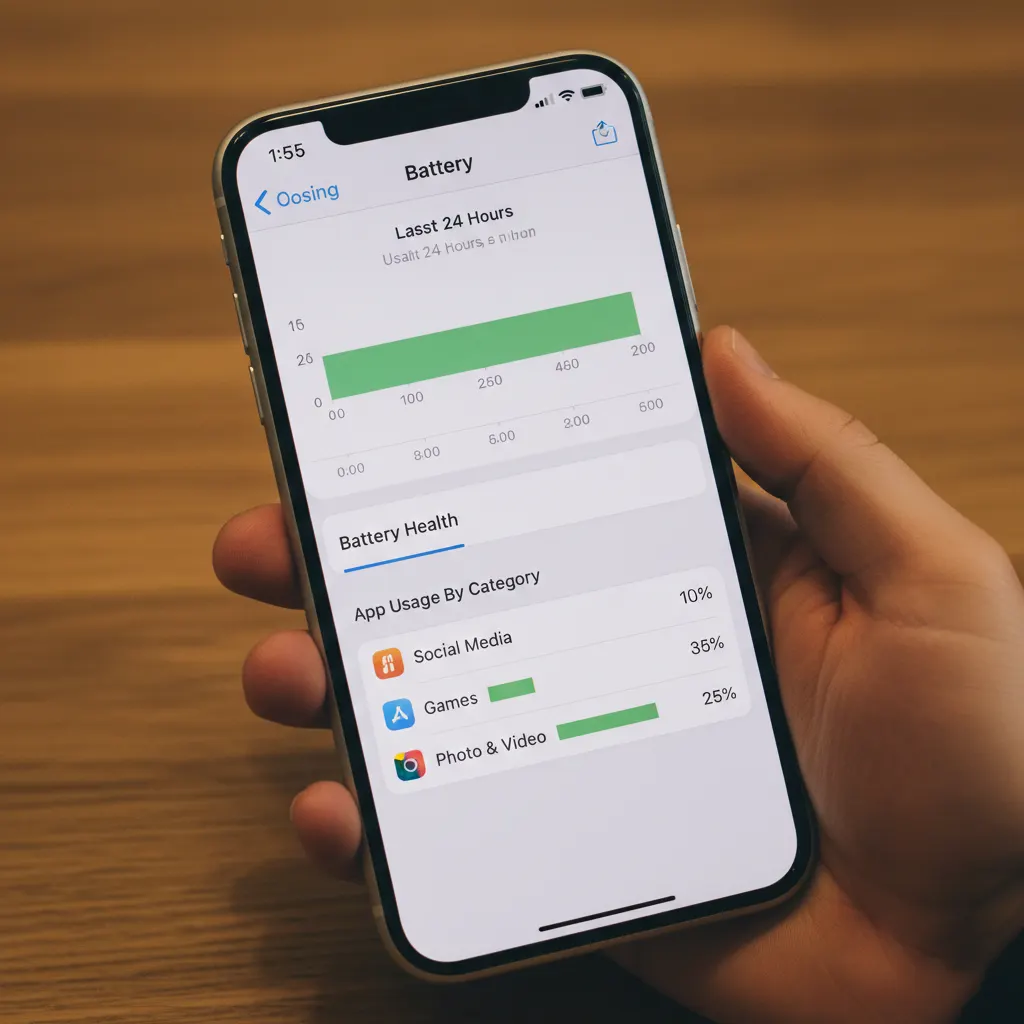
iPhone battery draining fast is one of the most common problems users experience, even on newer devices. In most cases, battery drain is caused by background activity and settings rather than hardware issues.
Why iPhone Battery Drains So Fast
Fast battery drain is usually caused by:
- Apps running in the background
- Location services constantly active
- Screen brightness and display settings
- Outdated iOS versions
- Poor battery health
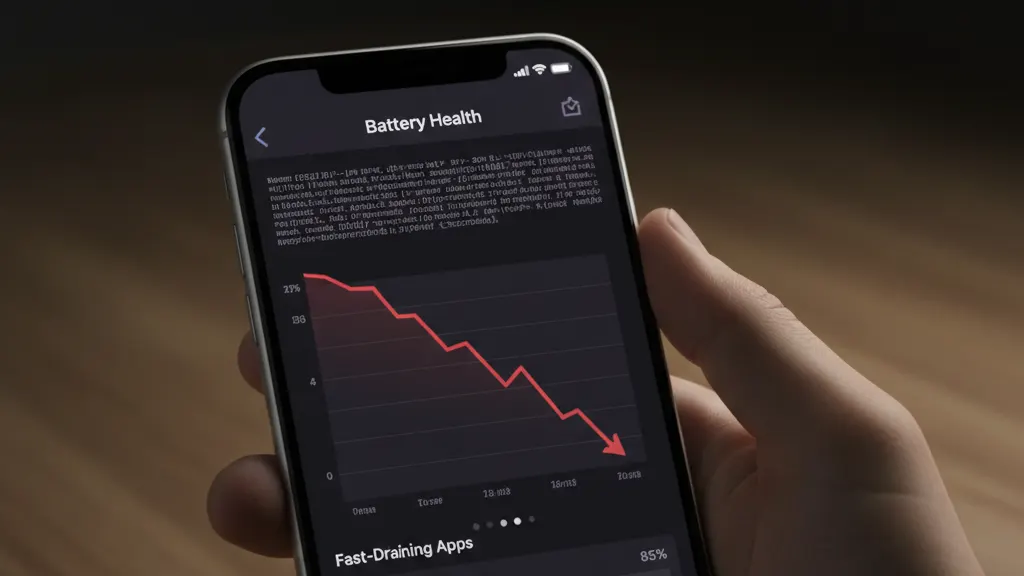
How to Fix iPhone Battery Draining Fast
Step 1: Check Battery Usage by App
- Open Settings
- Tap Battery
- Review which apps are using the most battery
If an app uses excessive power, consider limiting its background activity.
Step 2: Reduce Background App Activity
- Go to Settings → General → Background App Refresh
- Select Wi-Fi or Off
Step 3: Adjust Location Services
- Open Settings → Privacy & Security → Location Services
- Set unnecessary apps to While Using or Never
Step 4: Lower Screen Brightness and Disable Always-On Features
- Open Settings → Display & Brightness
- Reduce brightness or enable Auto-Brightness
Always-on display and high brightness can drain the battery quickly.
Step 5: Update iOS to the Latest Version
- Go to Settings → General → Software Update
- Install available updates
Updates often include battery optimization fixes.
Check iPhone Battery Health
- Open Settings → Battery → Battery Health & Charging
- Check the Maximum Capacity
If battery health is significantly reduced, replacement may be necessary.
Frequently Asked Questions
Is fast battery drain always a hardware issue?
No. Most battery drain problems are caused by software settings and background activity.
Does closing apps save battery?
Not always. iOS manages apps efficiently, but misbehaving apps should be limited.
When should I replace my iPhone battery?
If maximum capacity drops below 80% and performance is affected, replacement is recommended.
Conclusion
You can fix iPhone battery draining fast by adjusting settings, limiting background activity, and keeping iOS updated. These steps solve most battery issues without hardware repairs.
For more solutions, explore our iPhone troubleshooting guide.
Leave a Reply
You must be logged in to post a comment.