

Windows 11 is generally stable, but many users still experience common issues such as Bluetooth not working, Windows Update getting stuck, or slow system performance. This troubleshooting guide helps you identify common Windows 11 problems and shows where to find step-by-step solutions.
Common Windows 11 Problems
Below are some of the most frequent issues Windows 11 users face. Each problem includes a detailed guide to help you fix it quickly and safely.
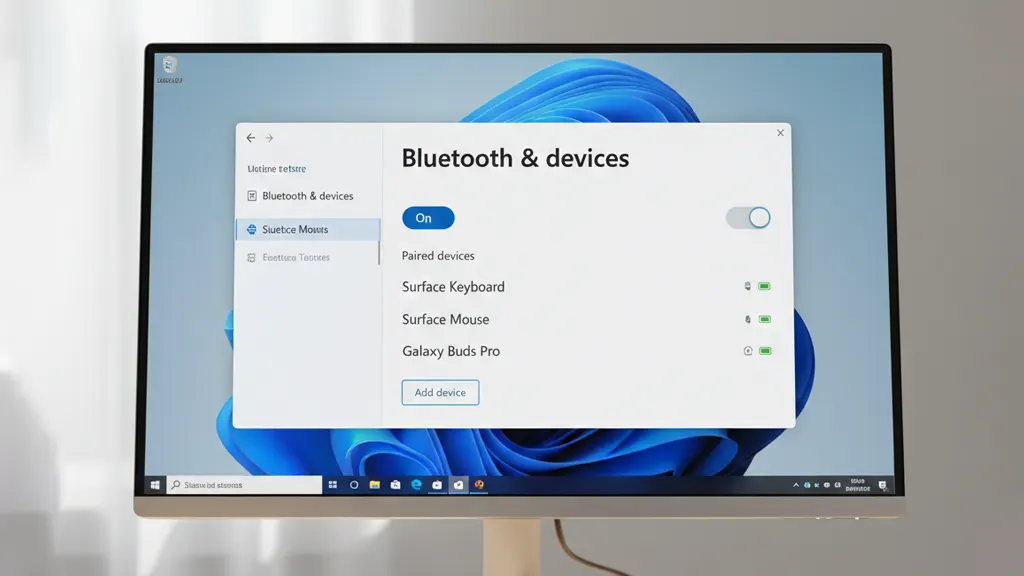
Bluetooth Not Working
Bluetooth issues can prevent keyboards, mice, headphones, and other devices from connecting properly.
How to Fix Bluetooth Not Working on Windows 11
Windows Update Stuck or Not Downloading
Windows Update may freeze at 0 percent or fail to download updates due to cache or service issues.
How to Fix Windows Update Stuck at 0 Percent
Slow Startup and Performance Issues
Slow boot times and laggy performance are often caused by startup apps or system settings.
How to Speed Up Windows 10 Without Reinstalling
Basic Windows 11 Troubleshooting Checklist
Before trying advanced fixes, always check the following:
- Restart your computer
- Install the latest Windows updates
- Ensure at least 10–15% free disk space
- Check device drivers in Device Manager
- Disconnect unnecessary external devices
These simple steps can resolve many common Windows problems.
When to Use Advanced Troubleshooting
If basic troubleshooting does not resolve the issue, consider:
- Running Windows troubleshooters
- Updating or reinstalling drivers
- Checking system services
- Using System Restore
Always back up important data before making system-level changes.
Frequently Asked Questions
Is Windows 11 less stable than Windows 10?
No. Most issues are caused by settings, drivers, or updates rather than Windows 11 itself.
Should I reinstall Windows 11 to fix problems?
Reinstalling Windows should be a last resort after all other troubleshooting steps fail.
Do Windows 11 updates cause problems?
Updates can occasionally introduce issues, but they also include important security and stability fixes.
Conclusion
Most Windows 11 problems are easy to fix once you know where to start. Use this troubleshooting guide as your main reference, and follow the detailed step-by-step articles linked above for specific issues.
Leave a Reply
You must be logged in to post a comment.